








Chat and calling.
Built-in. 🎉
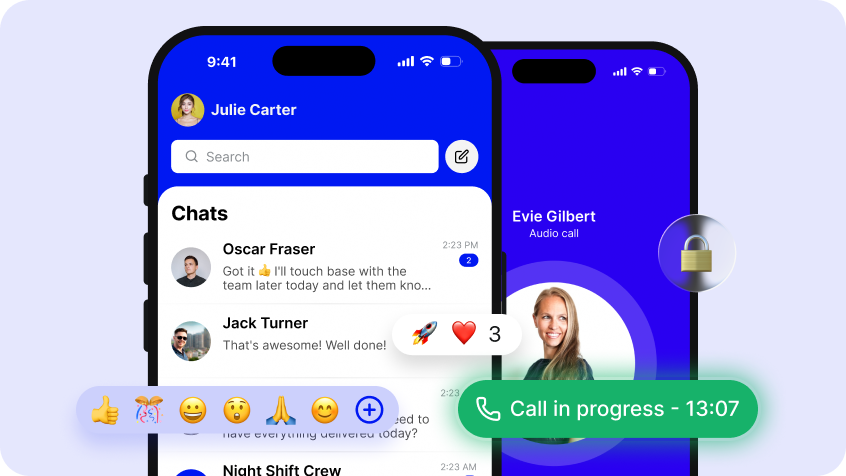
Secure, encrypted messaging and voice calls for every worker, with access synced to your HR data. No new app to roll out, no shared logins, no comms data living outside your control.


Messaging and calling that works
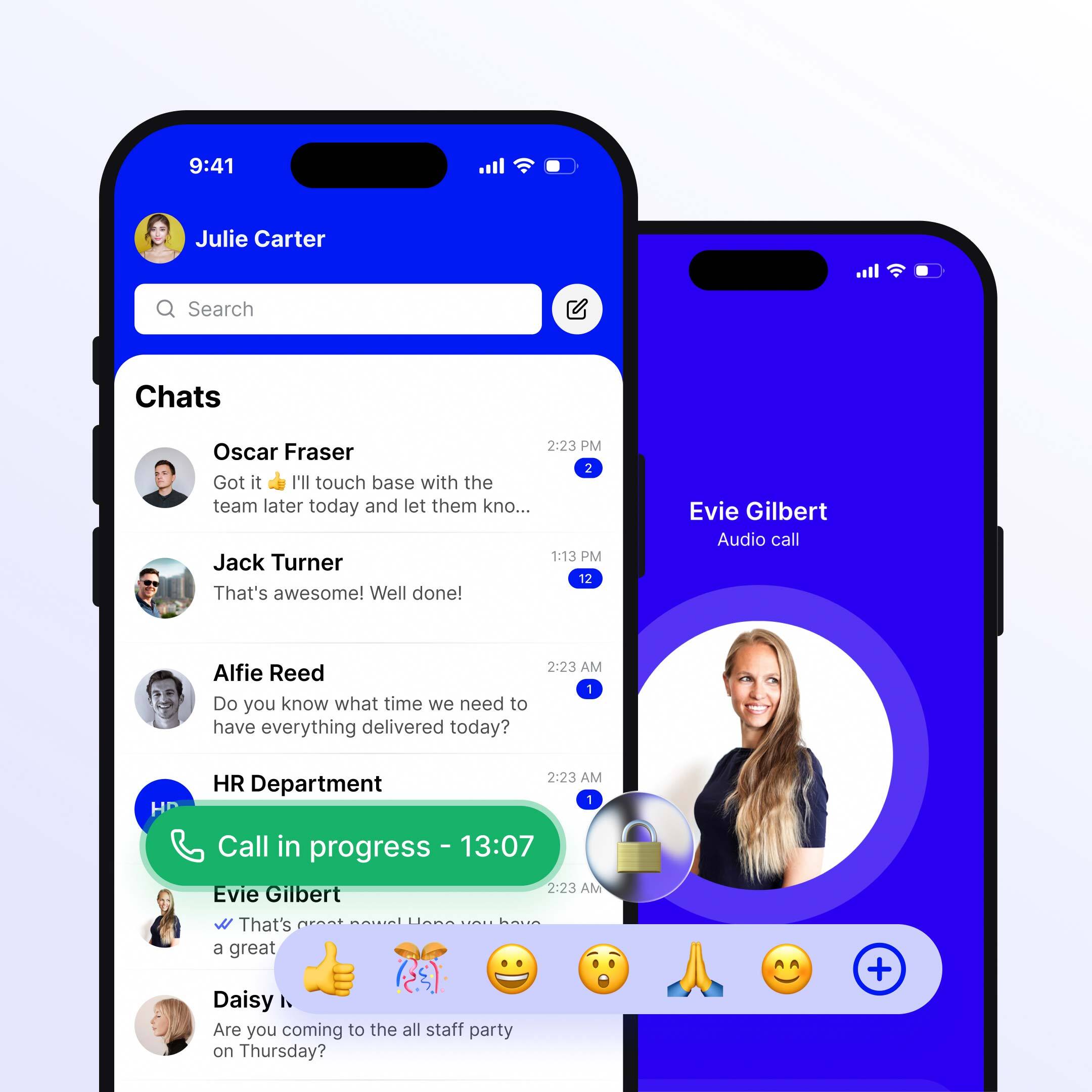
One to one and group chat with everything a modern messenger offers. Emojis, reactions, voice notes, polls and pinned messages, all on iOS, Android or desktop. Good enough that team members stop reaching for WhatsApp.

Groups that build themselves
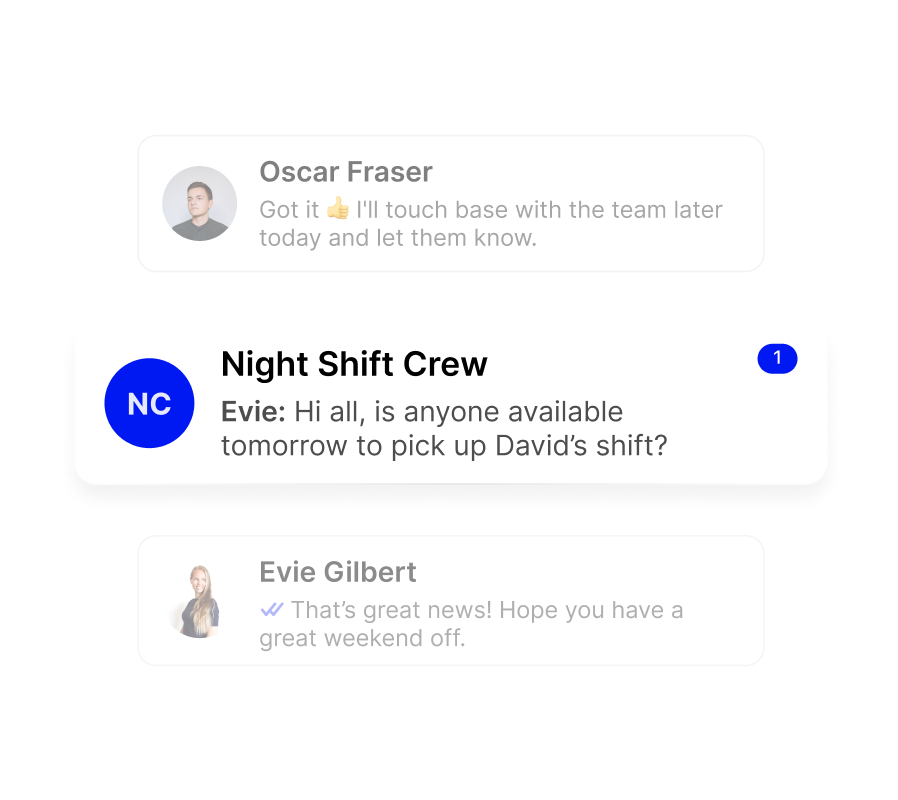
Group membership runs from your HR data. Sites, departments, roles and brands. When someone joins, moves or leaves, the right groups update automatically. No one maintaining lists, no one left in a group they shouldn't be in.

Everything you need for quick internal comms
Chat and calling sit inside Connect Frontline, not in a separate app. Team members reach them through the same login as everything else. Switch comms platforms later and your chat history and groups stay exactly where they are.
1:1 and group chat
Direct messages between two people, a group, or across whole teams, sites and brands. No matter what device they're on, it’s designed to feel intuitive and familiar from the start.
Photos, videos and voice notes
Send images, voice clips and notes directly in chat, securely and without switching to a personal app. Everything is encrypted in transit and accessible from any device.

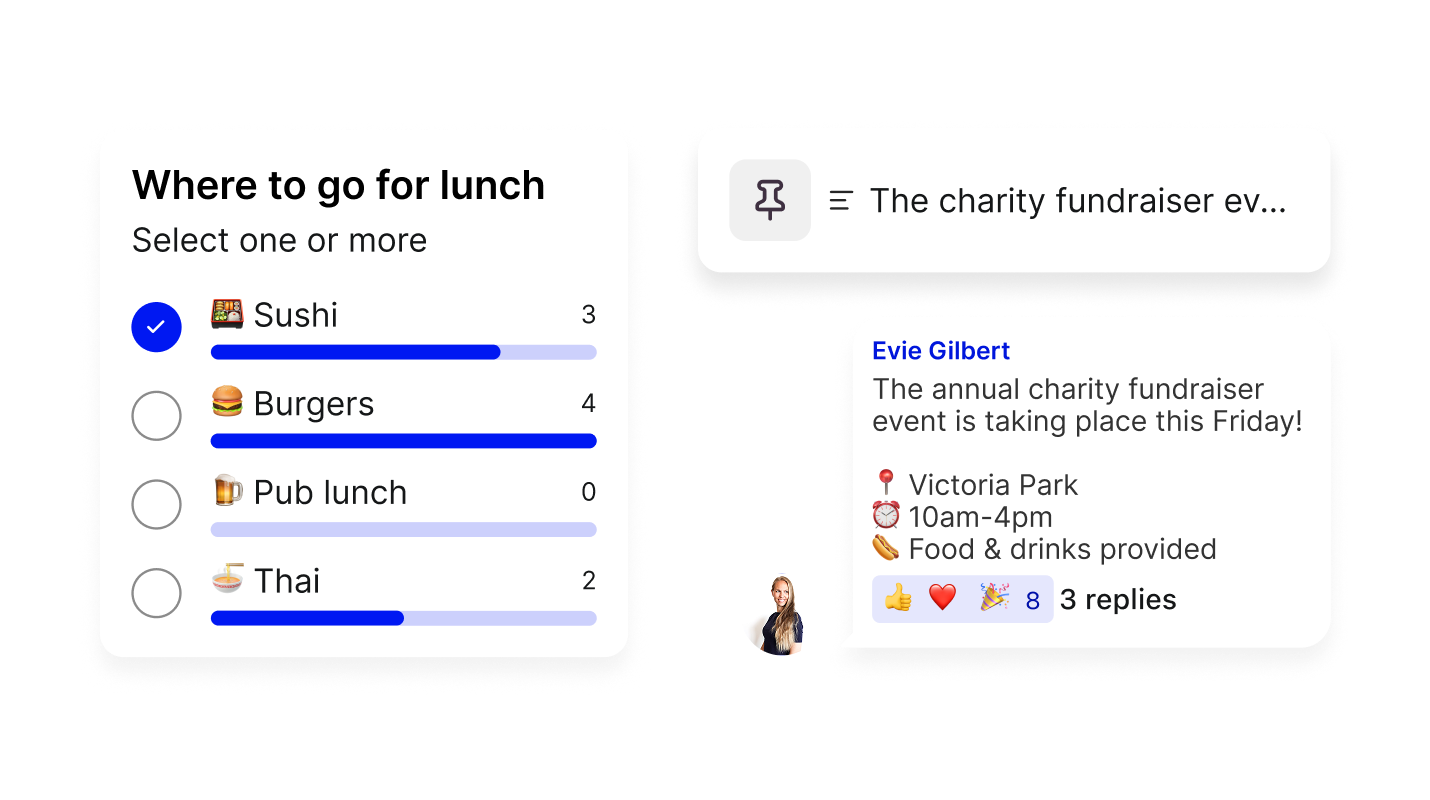
Polls, pins and reactions
Put a decision to the group when you need one. Pin the message everyone keeps asking about. React instead of replying every time.
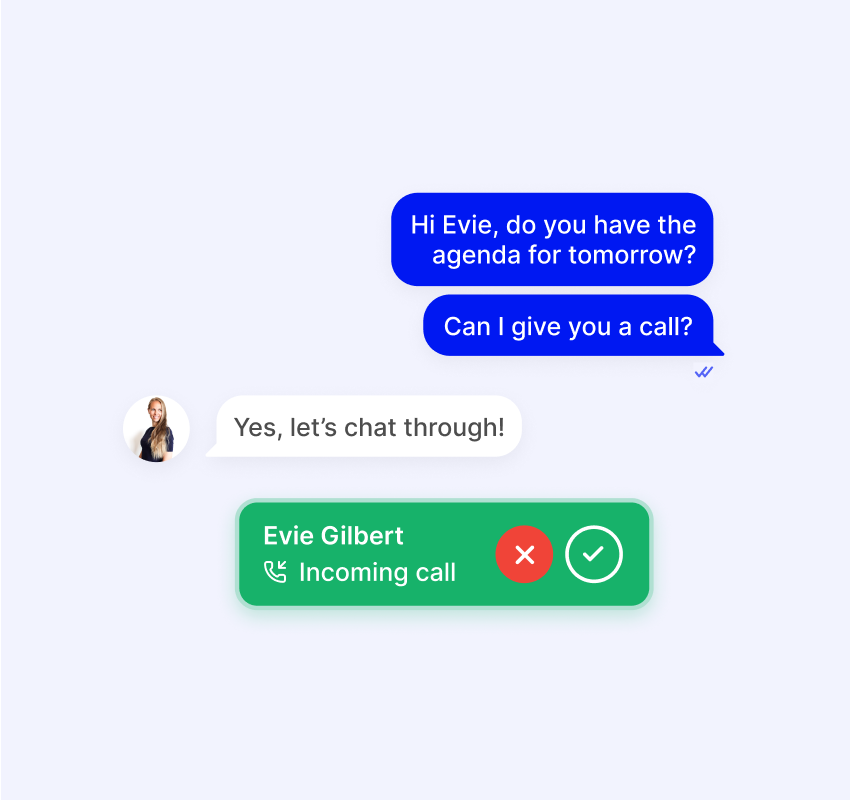
From chat to call, in one tap
Start a secure voice call without leaving the conversation. No switching apps, no dropping context, just a tap.
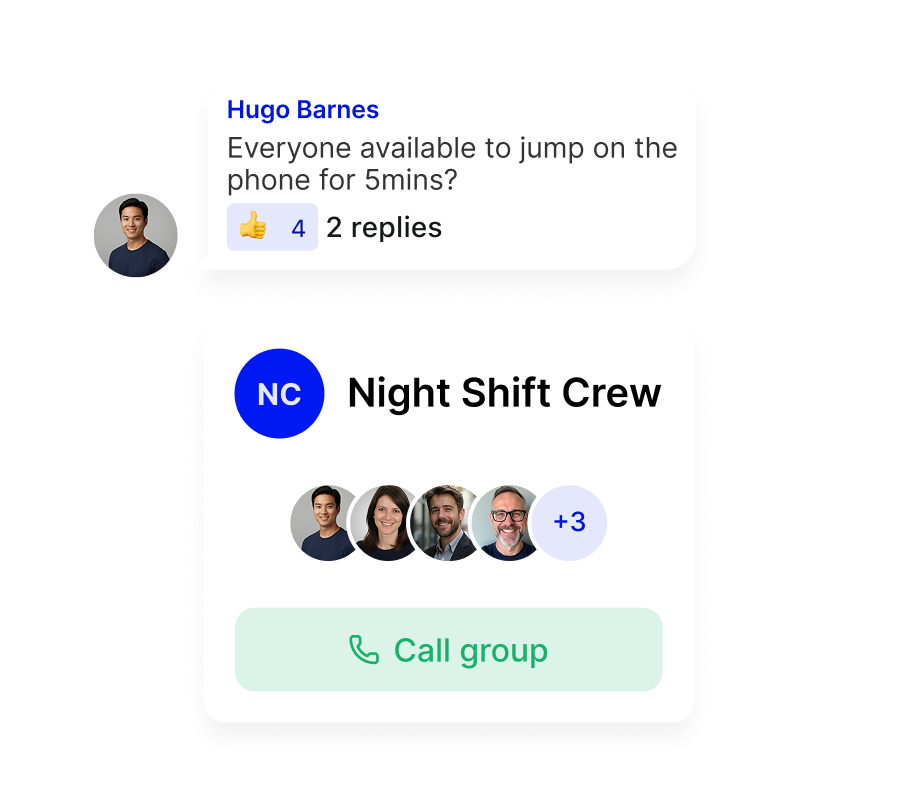
1:1 calls
Start a voice call directly from a conversation, without leaving the app. Useful for teams who don't share an office or a phone system.
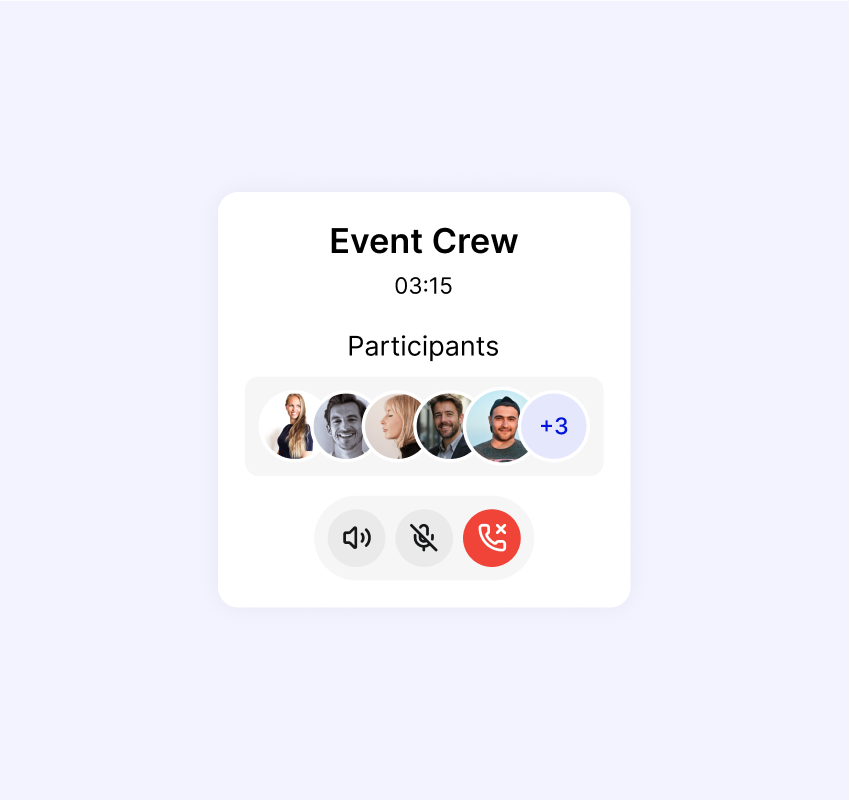
Group calls
Need to bring a team together quickly? Start a group call for the right people and everyone can join from wherever they are.
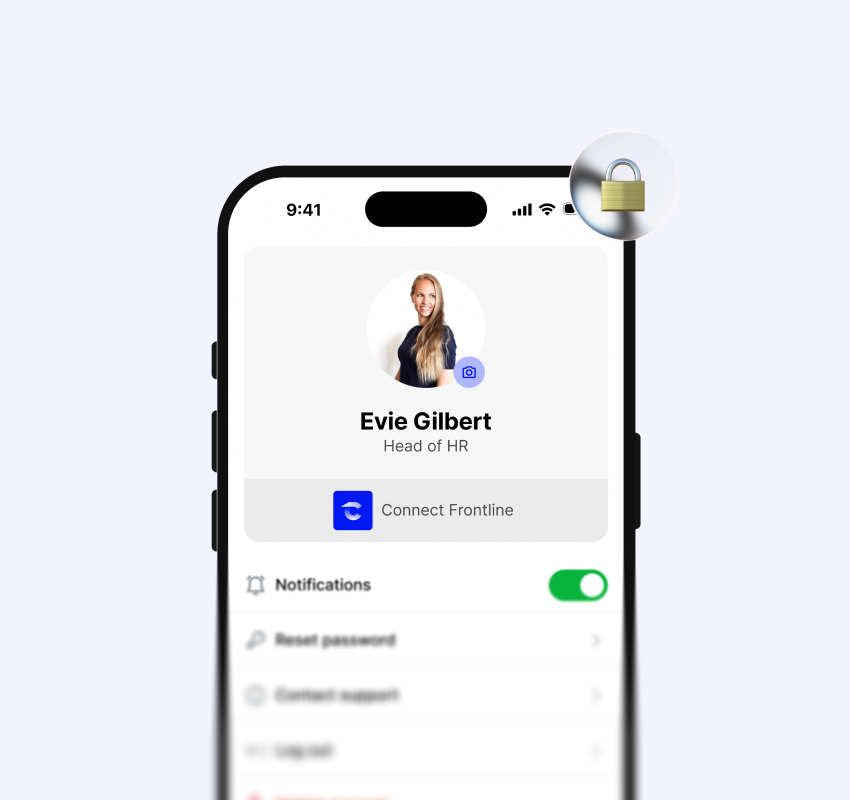
Private by default
All calls are encrypted and easy to manage. With access tied to your HR data, there’s no need for workers to share their personal mobile numbers.
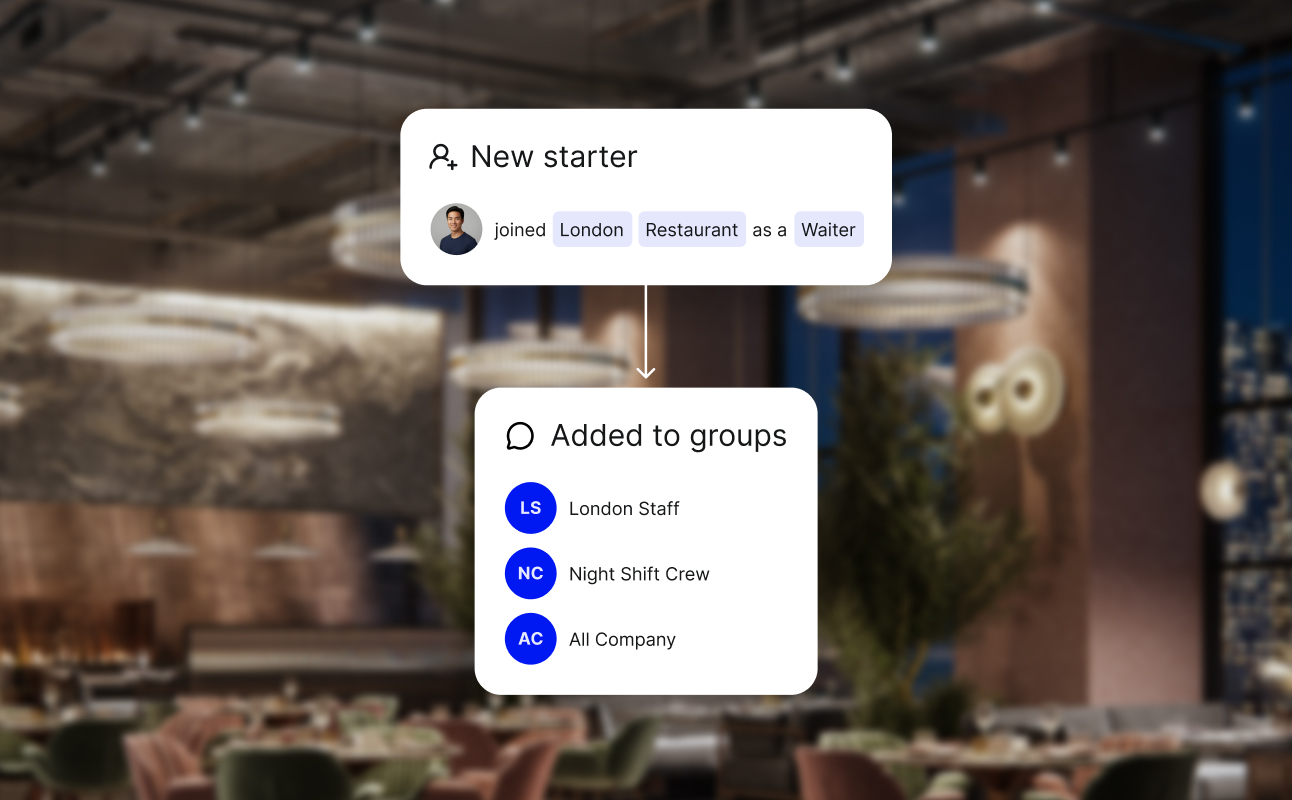
Groups aligned to your teams
When someone joins a new team, moves to a different site or leaves the business, their group access updates automatically. No manual list to maintain, no one left in a group they shouldn't be in.
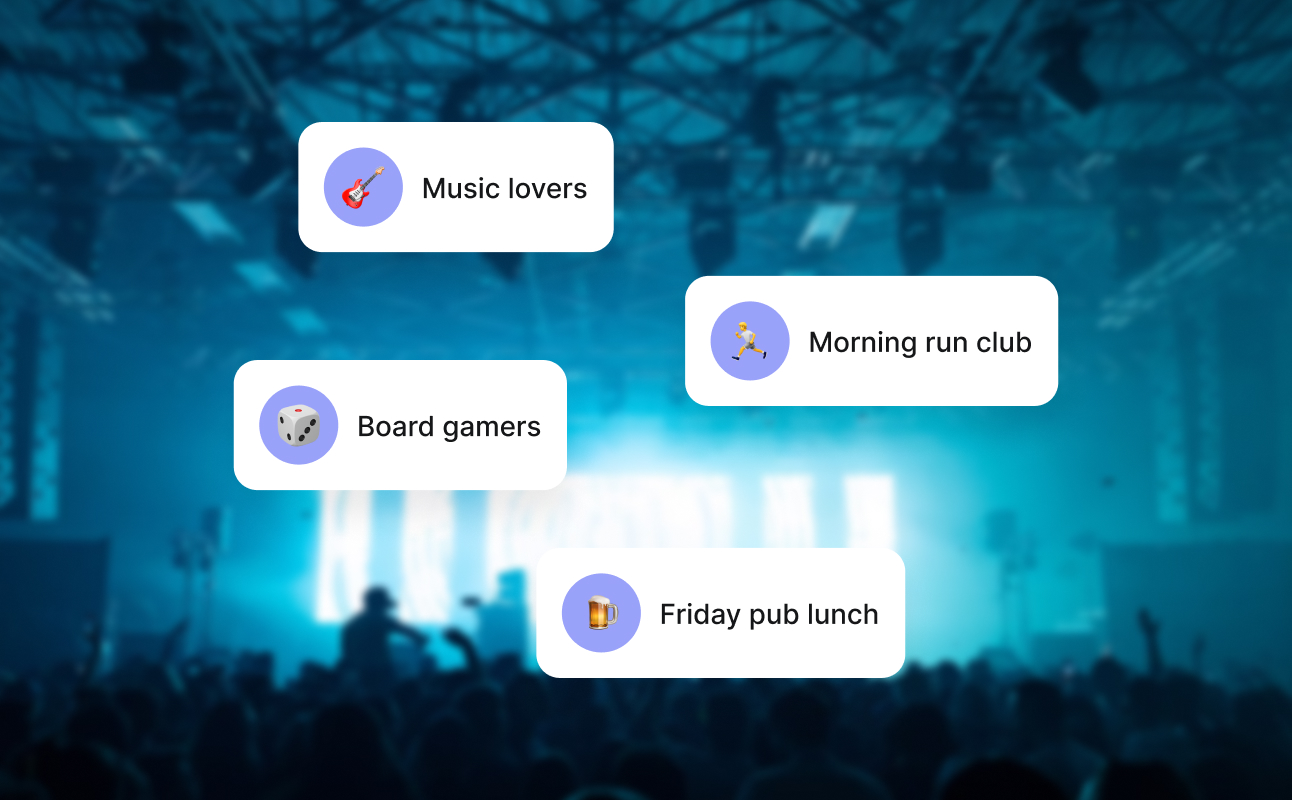
Groups for interests
Team members can create their own groups around shared interests, outside the org structure but inside the same secure environment. Same controls, same privacy, just a bit more personality.

Word filters and moderation
Set word filters to keep conversations in line with company policy. Flag, review and remove messages when something needs attention.

Usage visibility
Keep track of which channels are active, which groups are engaging and where something might be going wrong.

No personal numbers
Personal phone numbers stay private. No one can search for another worker's personal info or read messages they're not part of.

No need to start from scratch
Chat and calling sits alongside your existing workplace platforms. No ripping anything out, no rebuilding from scratch. You keep what works and add what's missing.

Freedom to change
Switch comms or DEX platform, and your chat history and group structure all comes with you. No need to start over or rebuild chat groups.