




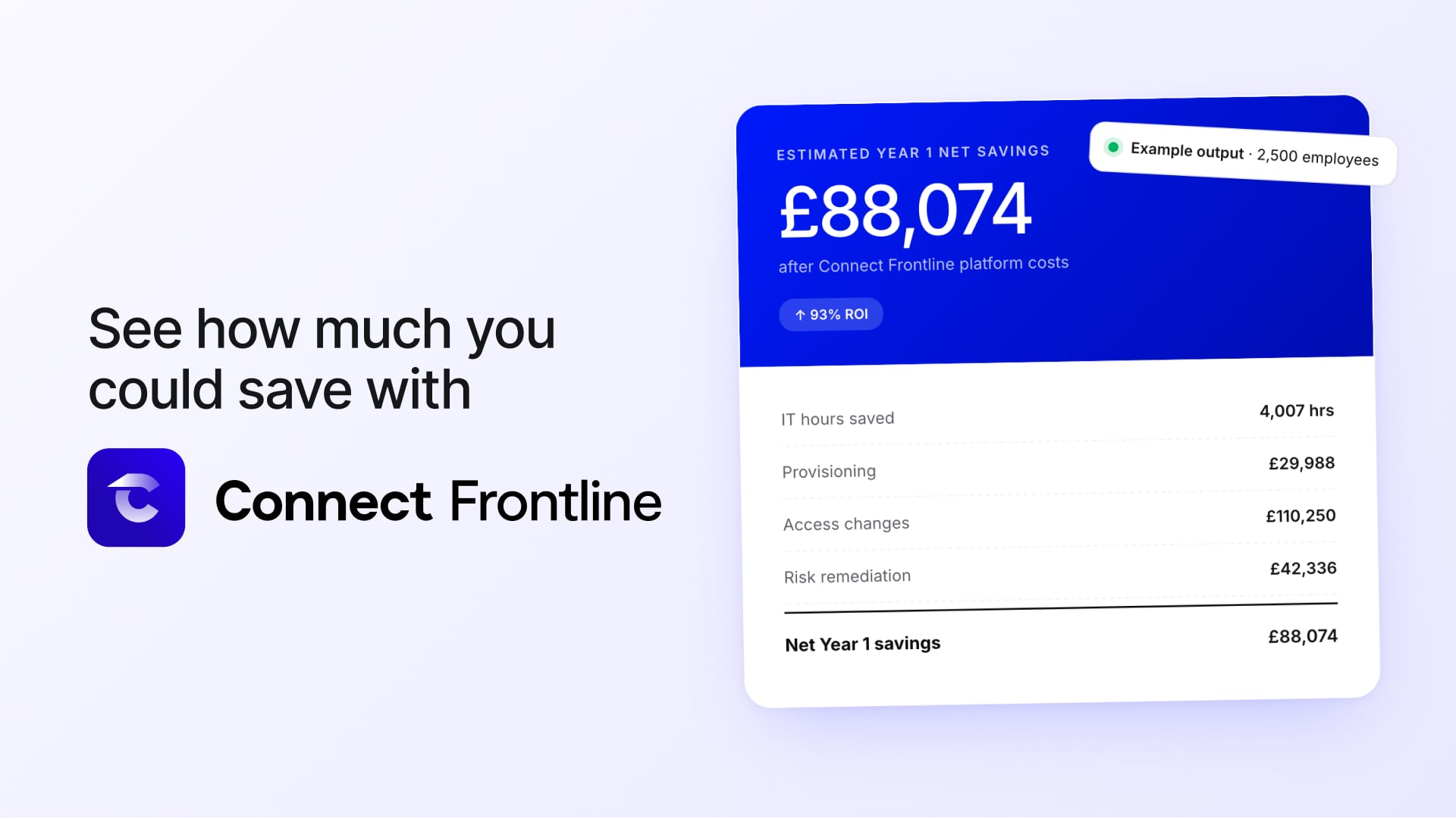


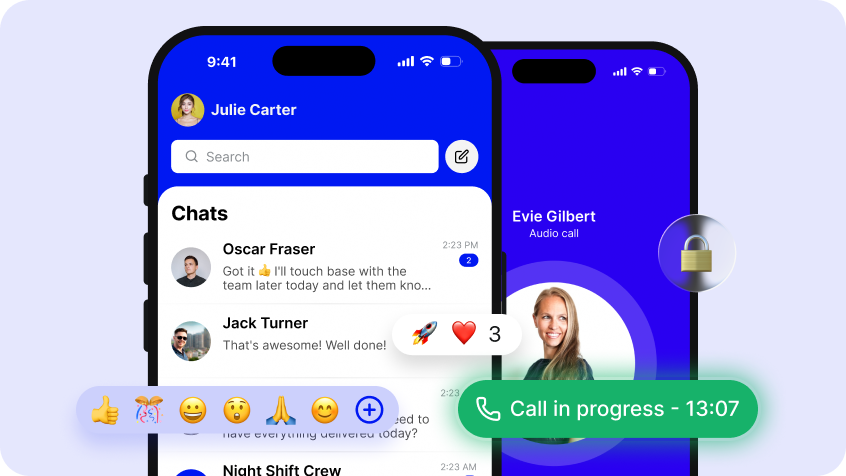


Most of what Connect Frontline does sits out of sight, well before your employees hit the login screen. It works in the background, continuously referencing your HRIS to the right people get into the right platforms, across multiple sites, brands and countries. After talking to the organisations using the platform at scale over the last year, we found that many had seen big improvements using Connect Frontline to automate identity and access to their workplace platforms, but were struggling to ensure that the data feeding into the platform from their HRIS was reliable and consistent.
When a hospitality group opens a new hotel often there's no way to see identity and access across the board. Usually the brand, region, site, its people and their access all get updated across different systems, often manually. The same worker data gets entered multiple times, duplicate identities appear and onboarding slows as a result. These incorrect identities end up in the endpoint integrations and become much harder to find and far more labour intensive to fix.
Access control is downstream of org data. If the org data can't be maintained in one place, everything built on top of it inherits that. Field Manager is where it now lives.
What it does
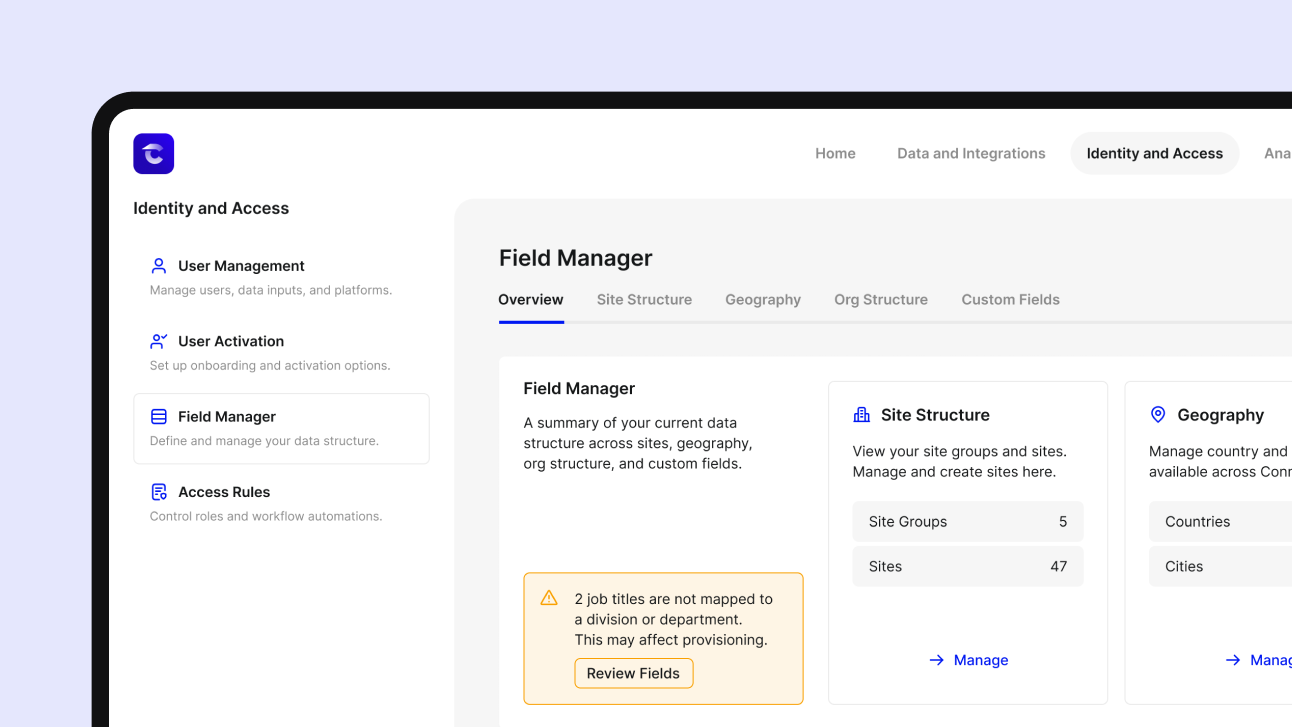
Field Manager is a new module in Connect Frontline. It gives admins one place to manage sites, site groups, and the platform access assigned to the people working at each one. It also gives them direct control over the data behind every worker's identity: the organisational taxonomy and the way employee IDs are generated.
The values Connect Frontline uses across the platform now have an owner and a single place to live.
What this changes
- The taxonomy is yours to manage: Site groups, locations, brands, regions, hotel types: you set these values and you maintain them as needed, so the same data stays consistent everywhere Connect Frontline uses it.
- Employee IDs generate themselves: Set the format once and an ID is built to match. No manual entry, no typos, no two people ending up with the same number.
- Bad data gets caught before it lands: Bulk uploads validated up front, so errors get flagged straight away instead of turning up weeks later inside a connected platform.
- When your org structure changes, the change carries through: Move a site or reshape part of the business and everyone affected updates with it.
Built with customer support
We built Field Manager working closely with Ennismore, a global hospitality group operating 18 hotel brands, more than 50 restaurant brands across 250+ locations worldwide.
Field Manager gives the Ennismore team ownership of their people data. They decide what the structure is, the sites, the brands, the ID format, and Connect Frontline works from it.
We're seeing a similar need everywhere access runs across a lot of sites, from hospitality groups like Ennismore and Gleneagles to large manufacturing groups like Fagerhult. While they work in vastly different industries, they face the same challenge in ensuring the data they work from is reliable and manageable at the scale that comes with a frontline workforce.
Available now
Field Manager is live in Connect Frontline today. If you've been weighing Connect Frontline up and this is the kind of control you've been missing, get in touch and we'll show you how it works.